What is a trading setup? If you are a trader, your workstation serves as your trading platform, so it needs to be as easy to use and as effective as possible. Taking the time to set up your screen(s) and computer properly will help you take full advantage of the information at your disposal when you start trading.
Being a well-prepared trader with an efficient day trading setup is vital. So, what is the best computer setup for trading?
YOUR CAPITAL IS AT RISK
This article will guide you through setting up your trading screens and computer for a successful trading journey.
Table of contents
Top Five Best Desktop Computers for Stock Trading
There is a vast range of computers available to choose from that could help provide a slight advantage in your day trading. The machines constantly improve and evolve as technology advances, with increasingly sophisticated models regularly entering the market. Here are some models to consider.
- Lenovo AIO IdeaCentre Gen 9 or 10 Desktop – A notable feature of this desktop is its seamless multitasking capabilities.
- Dell Pro Max PCs – The Dell Pro Max line is designed for demanding workloads.
- Dell Optiplex – This PC is more compact and may be one to choose if you have limited space.
- Acer Aspire TC 1760 – Another fast PC that is perfect for multitasking.
How to Set up Your Trading Screens for Day Trading
Having the best possible computer setup when day trading the world’s markets does not have to be complicated or expensive, and it can certainly help identify the best trading opportunities.
In fact, given that you could spend between 7-12 hours a day in front of your PC, it’s vital for your long-term health to have a dual monitor in place. Dual monitors are ideal for day traders or anyone who uses their PC for more than 3-4 hours a day.
Upgrading to a New PC
Most new PCs come with built-in dual-monitor capabilities, requiring you only to plug in an additional monitor, an essential tool for the busy day trader.
As a general rule, make sure you have the required cable to connect to a second monitor. Sometimes, you may need to purchase an adapter. If you can’t plug it in (due to having the wrong attachment), you can quickly source an inexpensive converter from your local computer shop or online.
Another benefit for the busy day trader trading forex, stocks, CFDs, Options, or futures is to have the new PC stripped of unnecessary programs. If possible, use your new PC for day trading only to keep it running smoothly.
Dual Monitor Capabilities on Your Laptop
YOUR CAPITAL IS AT RISK
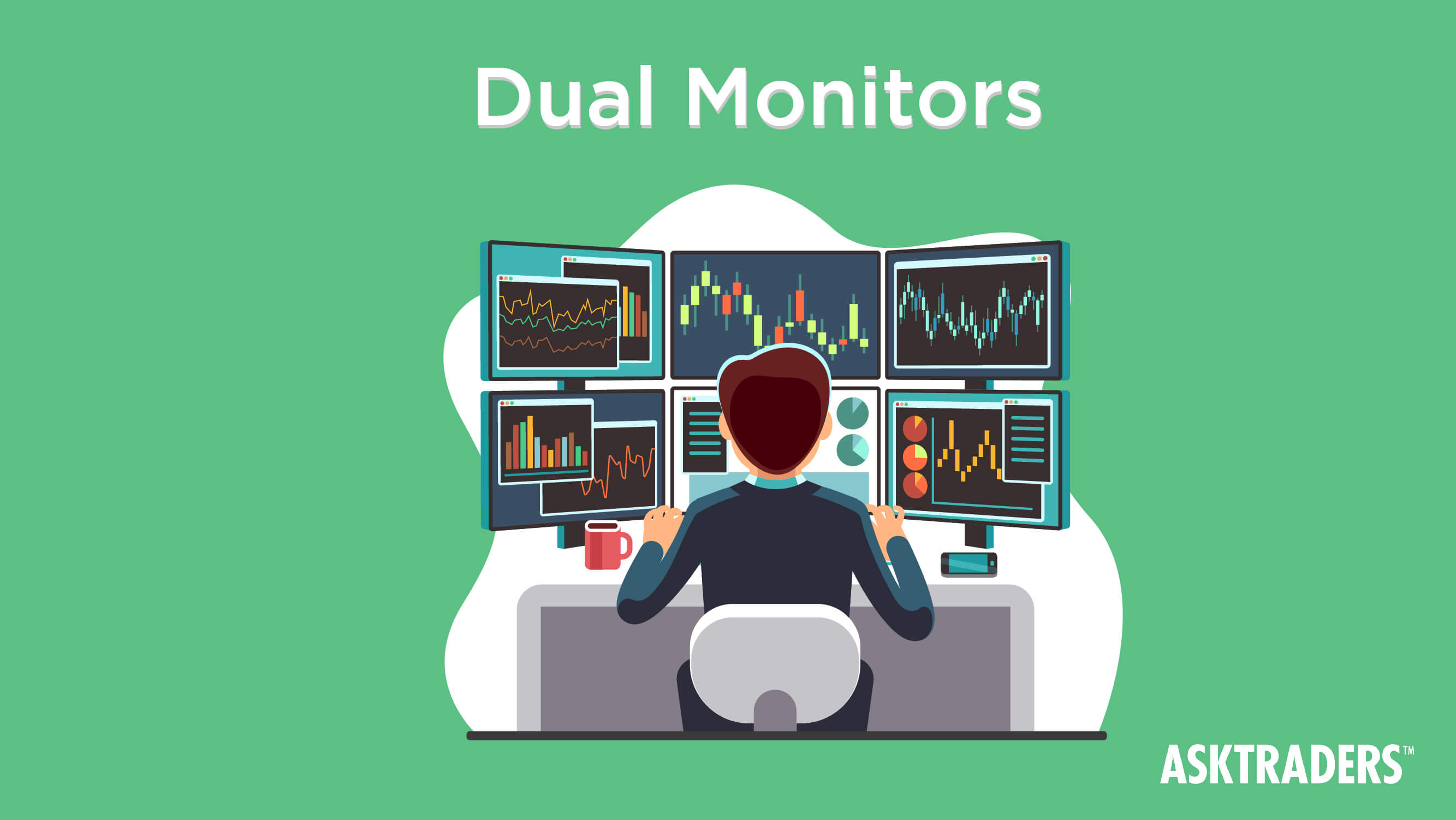
Running a laptop as your dedicated day trading machine can have advantages, especially if you use your home PC for other activities like running the family budget, downloading emails and watching videos. Your laptop can serve only as your day trading computer, and it’s easy to install a second monitor.
All laptops come with the option to connect a monitor. All that’s required is to head over to the display settings and set the monitor you just plugged in as your second monitor. You can then configure which is to be the primary and secondary display. This facility is plug-and-play, and most laptop users don’t even realise their machine has this functionality.
It should also be noted that ultrawide monitors can be a good alternative to dual monitors for some traders, offering continuous screen real estate.
Major Benefits of Using Dual Monitors When Day Trading
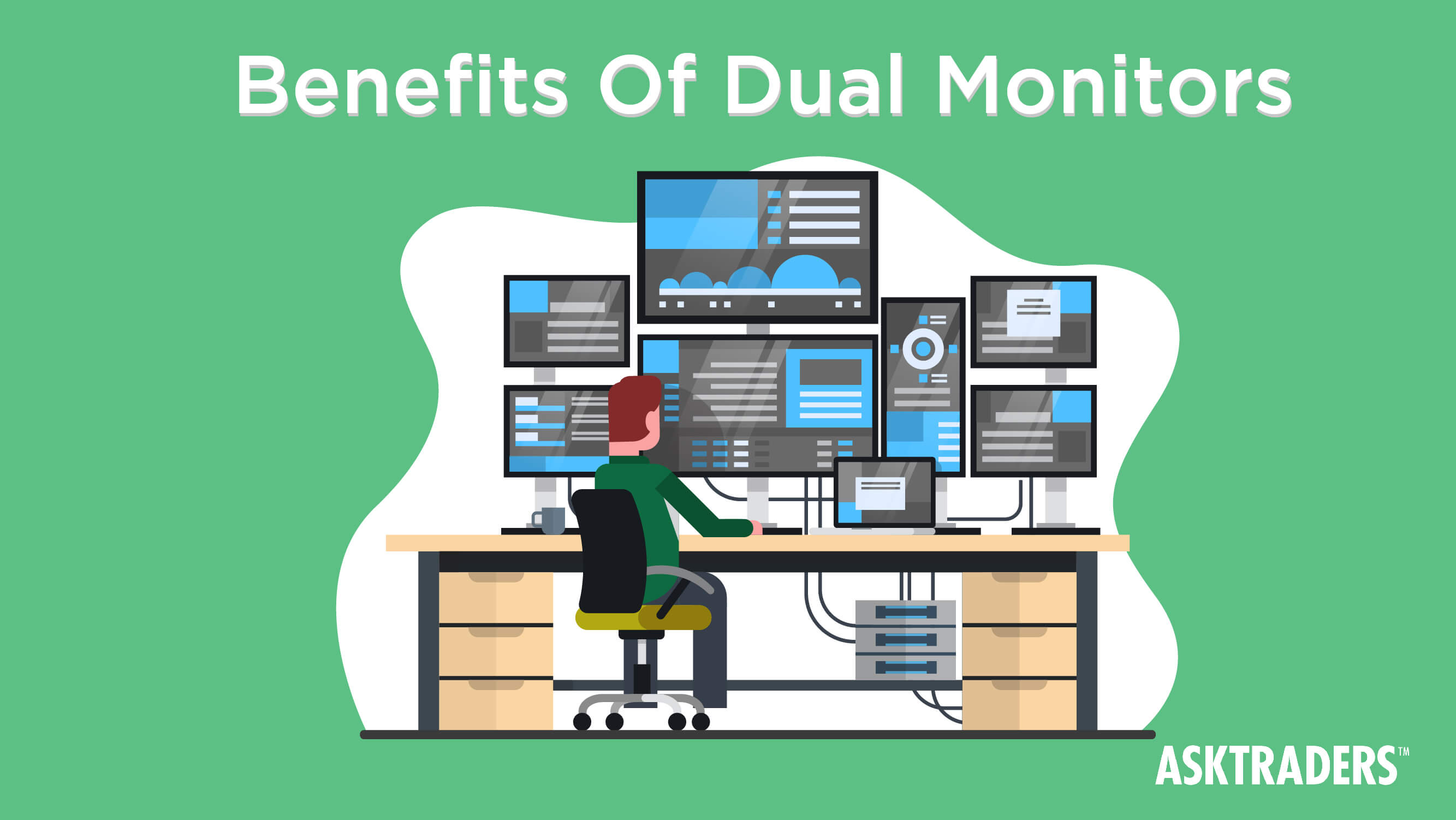
- Monitor various data points (prices, economic releases, breaking news, etc.) at the same time
- Adjust the resolution to be comfortable for your eyes
- Have charts on one screen and order tickets on the other
- More screen real estate to make your life easier
If you are serious about your day trading endeavours, running dual monitors is vital to your overall efficiency as a trader. Don’t compromise on the technology front, as once you upgrade, you will be wondering why it has taken you so long to do so. You will be pleasantly surprised at how efficient and effective a day trader it will make you.
What to Look for in the Best Desktop Computer for Day Trading
For trading software to work smoothly, a powerful computer is required.
Requirements for an efficient trading desktop include:
RAM: A minimum of 16GB RAM is needed for your computer to process all the data, though 32GB of RAM is ideal. If you run multiple programs, 16GB or more RAM is required. The higher the RAM, the better.
Processor Speed: For processor speed, traders should prioritise a CPU that combines high clock speeds for fast single-task execution with multiple cores for efficient multitasking. While a quad-core processor with a base speed of around 2.8GHz is the minimum, serious day traders in 2025 will benefit significantly from Intel Core i7 or i9 (13th Gen, 14th Gen, or newer) or AMD Ryzen 7 or Ryzen 9 series processors.
Hard Drive: A minimum SSD 250GB hard drive is required for data storage. The primary hard drive is more reliable for retrieving information quickly. It helps to have the SSD drive used only for trading purposes.
Display: Dual-screen monitor capabilities are recommended for busy traders or those who need to monitor multiple datapoints simultaneously. Choose a minimum of 1080P (1920×1080) when buying a monitor. If you have a generous budget, you may consider exploring higher resolutions – 2556×1440 or 4K (3480×2160).
Battery Life: The best trading computers have at least eight hours of battery life.
Internet connectivity: You need to have good internet connectivity to strike on time!
Looking to Upgrade Your Old PC?
If you are a day trader on a budget, you may want to consider upgrading only your video card to make your PC day trader-friendly. You can purchase a dual-monitor video card relatively cheaply and install it yourself if you have the technical skills.
If you are unsure what to do, ask for advice or inquire if the supplier can install it for you – they will probably charge a nominal fee.
Once you have the new video card installed and your machine has recognised it, you simply need to plug in your second monitor as above and adjust your display settings accordingly. You can then start implementing your best trading strategy to make profitable trades.
YOUR CAPITAL IS AT RISK
Security
When it comes to PCs and laptops, especially those used for trading or other financial tasks, security is paramount.
Malicious software, hackers, phishing, and data breaches all pose a threat to your data and finances (money in your trading/investing account). As a result, it is essential to ensure that you have adequate security on your PC. Here are some options to consider:
Multi-Factor Authentication: This step requires an additional layer of security before granting access to an account.
Firewalls: A strong firewall will block unauthorised access and suspicious connections.
Data Encryption: By encrypting your most sensitive data, you will add a layer of security if a hacker does gain access.
Back-up: It is important to regularly back up your data in case of an incident. This will allow you to restore any lost data quickly.
In addition to securing the PC, network security is another crucial factor to consider. Ensure you use a strong Wi-Fi password and consider using a VPN to protect your data.